Summary
Clear sections that follow your material unit by unit, with the key terms of each part.
Add a PDF, your notes, a photo of a page, a lecture recording, a video or a link. LearnKit writes a summary, flashcards, a quiz and open questions from it.
Free, no sign-up. Works in your browser, on iPhone and in Chrome.
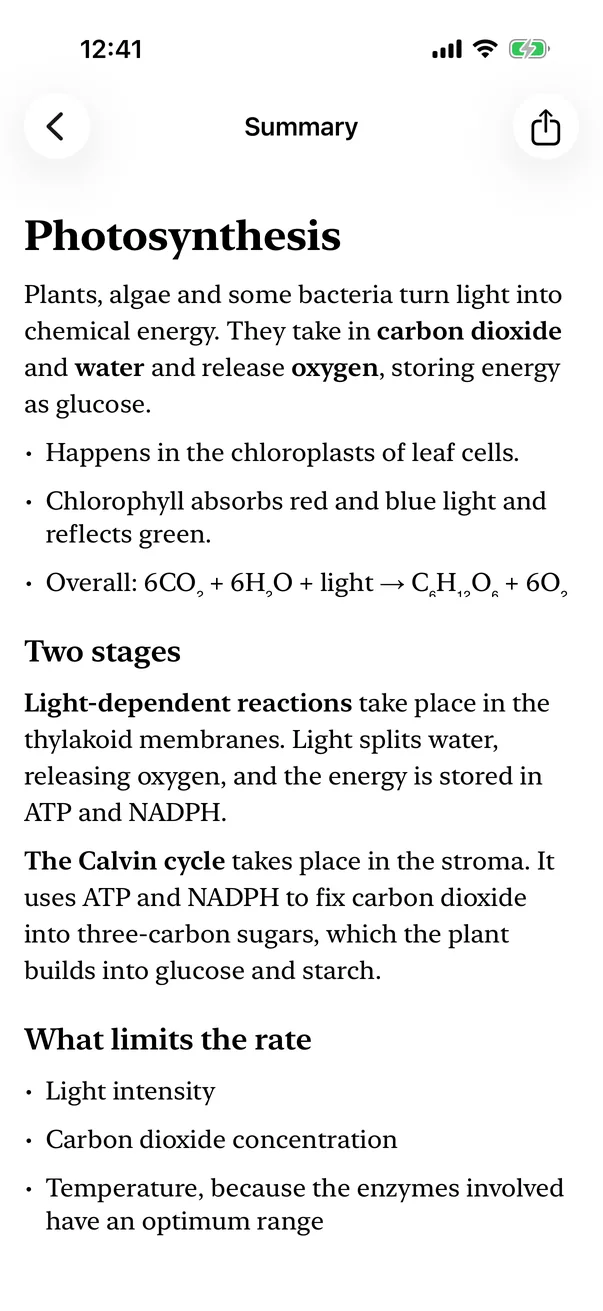
Clear sections that follow your material unit by unit, with the key terms of each part.
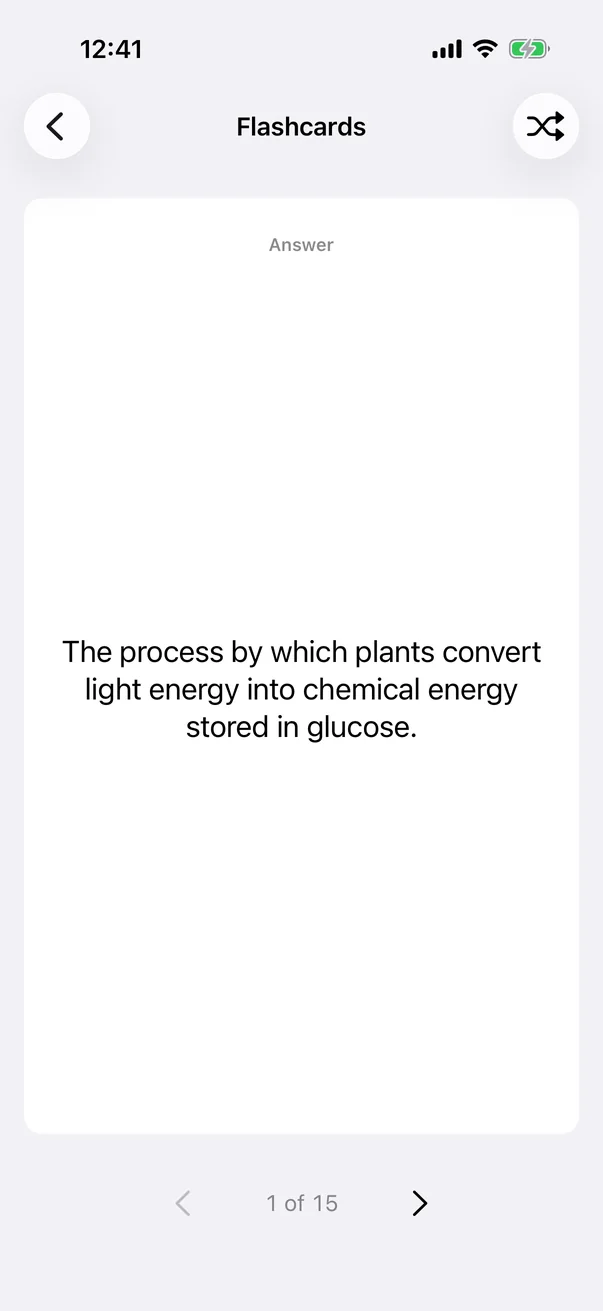
Pick how many cards you want. Flip, shuffle and repeat until you know them.
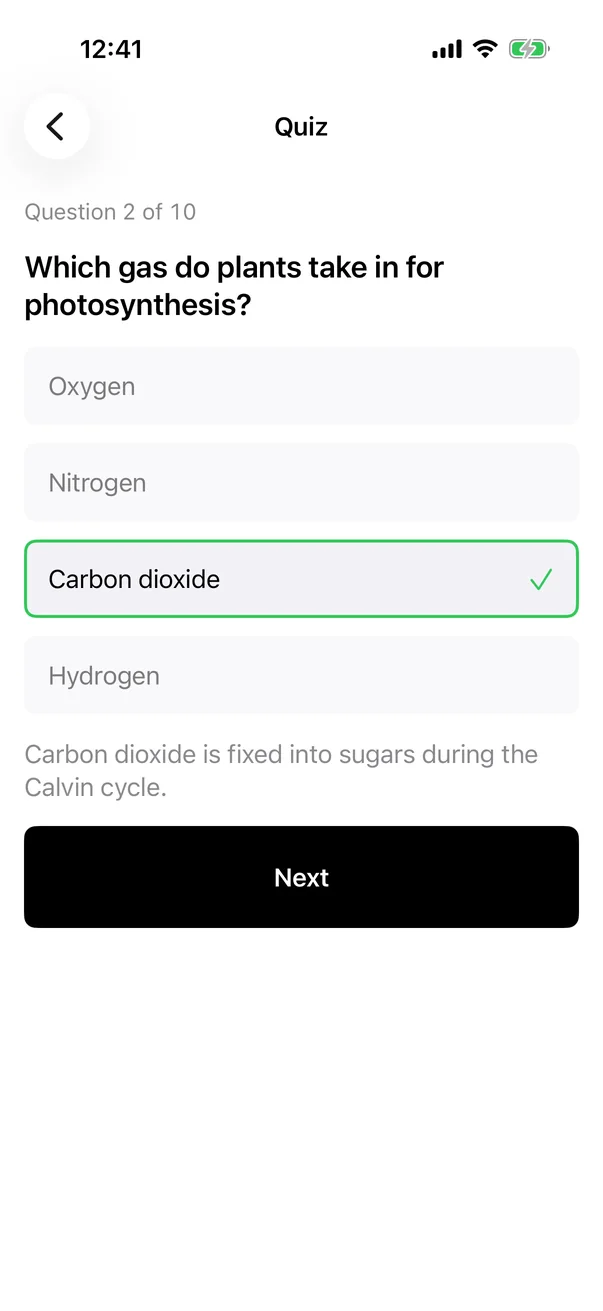
Multiple choice questions with an explanation for every answer.
Write your own answer, then compare it with a sample answer.
Upload a file, paste a link or paste your notes.
A summary, flashcards, a quiz or open questions, in your language.
Read, flip cards and answer questions. Your library stays in this browser.
The LearnKit Chrome extension opens in a side panel and turns the current page, a YouTube video or the text you selected into a summary, flashcards or a quiz.
Yes. In the browser you can make short summaries, up to 5 flashcards, 5 quiz questions and 2 open questions, 4 times a day, without an account. The iPhone app has a subscription that removes these limits.
PDF, Word (DOCX), EPUB, TXT and Markdown files, JPEG and PNG photos, audio recordings (MP3, M4A, WAV, AAC) and videos (MP4, MOV) up to 200 MB. You can also paste a link to a web page or a YouTube video, or paste text.
Your material can be in any common language. LearnKit writes the study set in the language you pick: English, Turkish, German, French, Spanish, Portuguese, Italian, Dutch, Japanese, Korean, Chinese, Arabic or Polish.
No. Your sources and study sets are kept in your browser on this device. Clearing your browser data removes them.
Your file goes to our AI provider only to create the study set and is deleted automatically within 48 hours. Our server keeps a record of each request and its result so it can deliver it and apply the free limits; email us to have it deleted. We do not sell your data or use it for advertising.
Yes, LearnKit is on the App Store for iPhone and iPad, with longer summaries, more cards and questions, lecture recording and a focus timer.